Everything you need to know
Product details
Notice before purchase :
Make sure the Google LCC offer services (and updates) in the area you want to use the tracker ;
These countries of below has been limited by Google LCC : China ,North Korea, Iran ,Cuba ,Crimea ,Syria ,Russia, Central Asian countries ,Pakistan ,and so on .
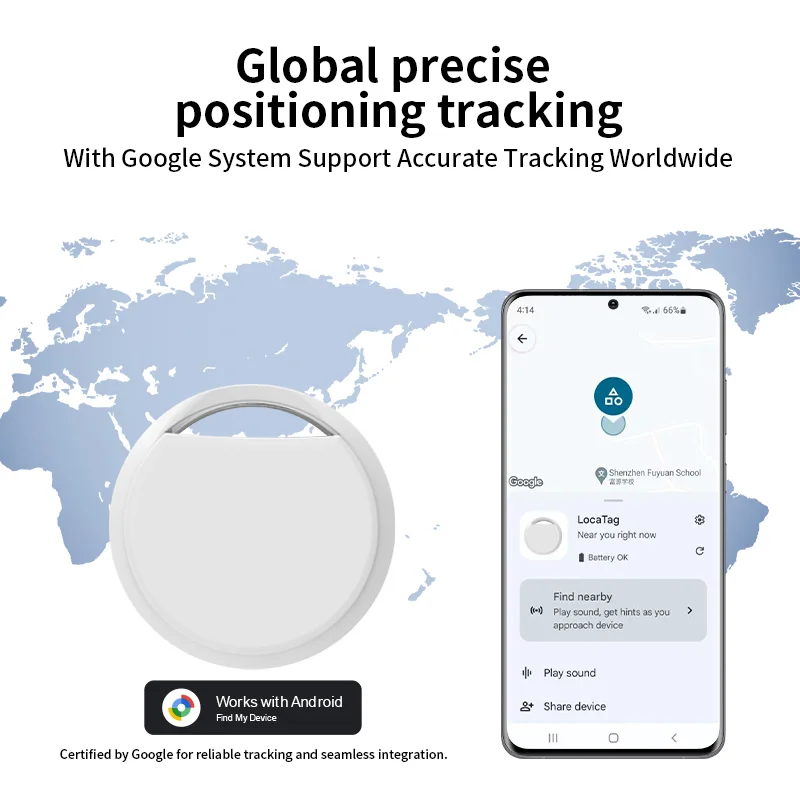
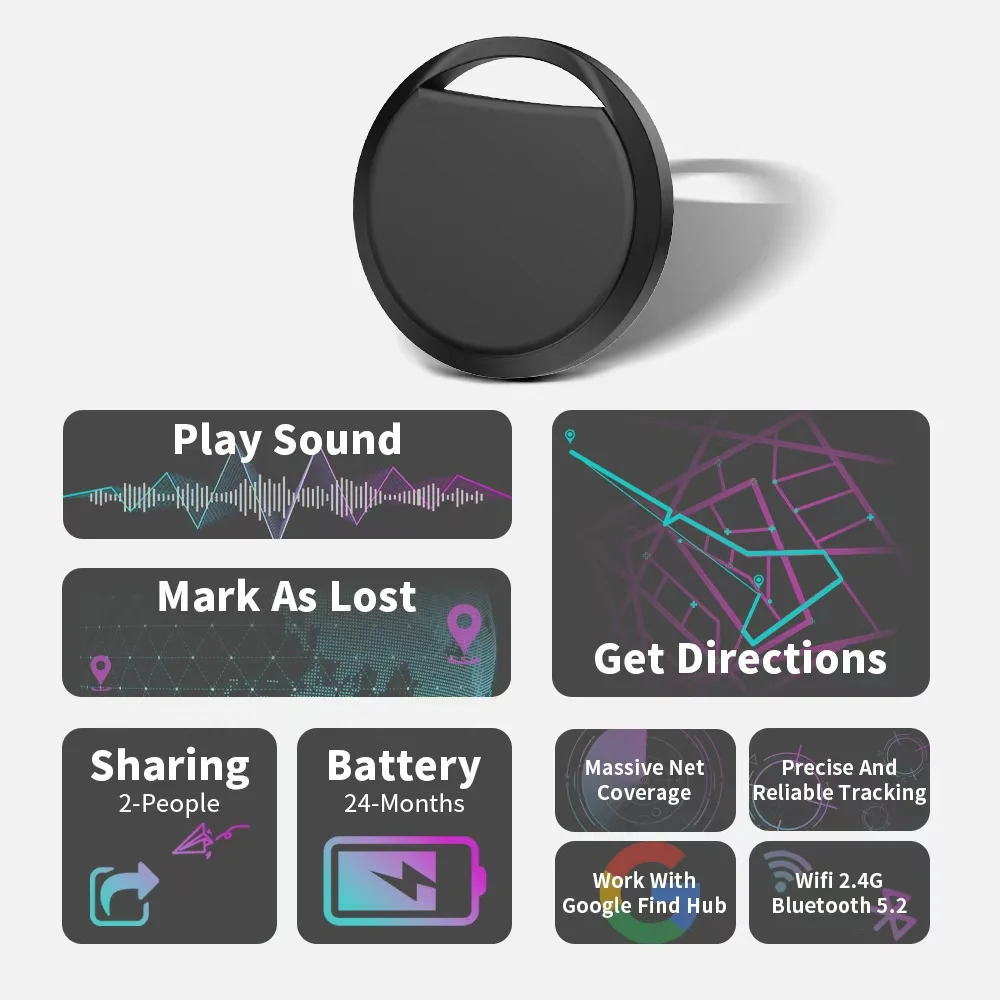
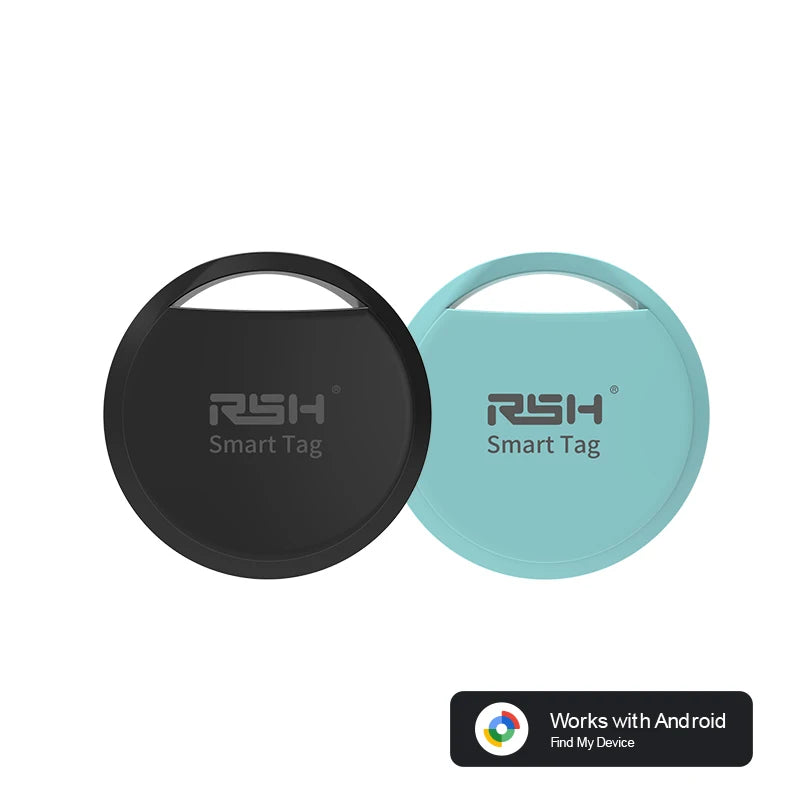
Key Features of the Smart tag for Android Goolge Find My Device App (Upgraded to Google 'S Find Hub)
Google certification: Official recognition of quality and compatibility
Global tracking: Works worldwide with comprehensive coverage
Privacy-focused: Built-in protection for user data
Convenient power: Long battery life with replaceable battery
Smart integration: Works with Google's Find My network,designed to work with most Andriod cellphones such as Xiaomi and Samsung cellphones
Product Benefits
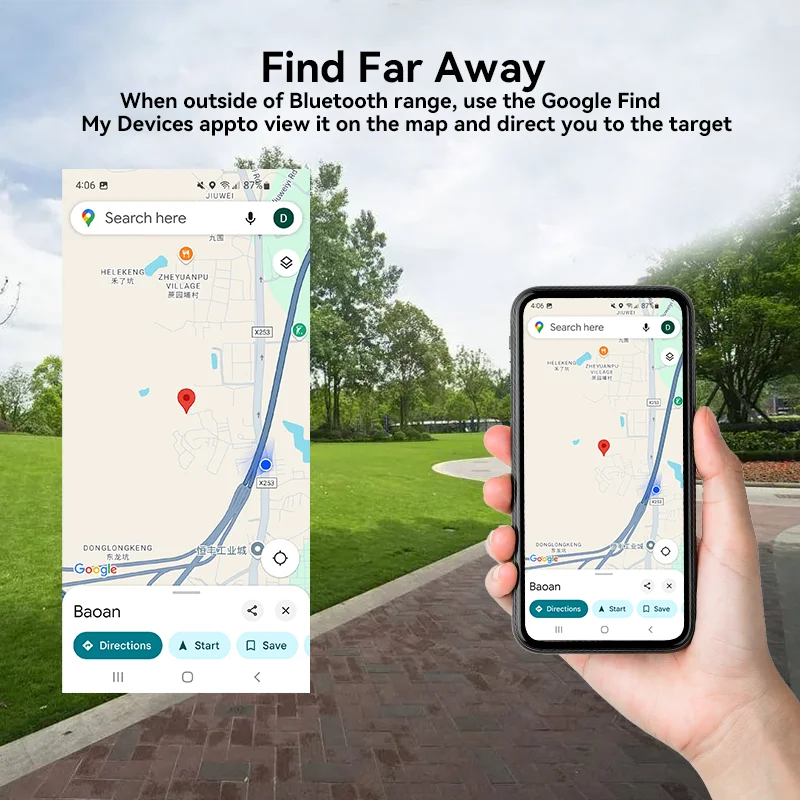
Instant location tracking through connected smartphone app
Compact, worry-free design that protects valuables discreetly
Peace of mind for frequently lost items (wallets, keys, etc.)
Travel-friendly global functionality
Comprehensive protection for out-of-sight valuables
For certain Samsung models, there are connectivity issues. Please check the following points:
Three Core Permission Fixes (Samsung Galaxy Owners Must)
1. Activate Google Bluetooth scanning module in Galaxy Settings (core requirement);
2.Check device and sharing permissions for Google services;
3.Access Google Play Services, find the Nearby devices permission and set it to Allowed.